I want to avoid scams
Learn common scam patterns and practical habits that reduce your risk every day.
Go to Scam LibraryPractical Security Awareness
A malicious QR code could have sent you to a fake login page, payment trap, or malware-related destination. Learn what to look for before the risky click.
Learn common scam patterns and practical habits that reduce your risk every day.
Go to Scam Library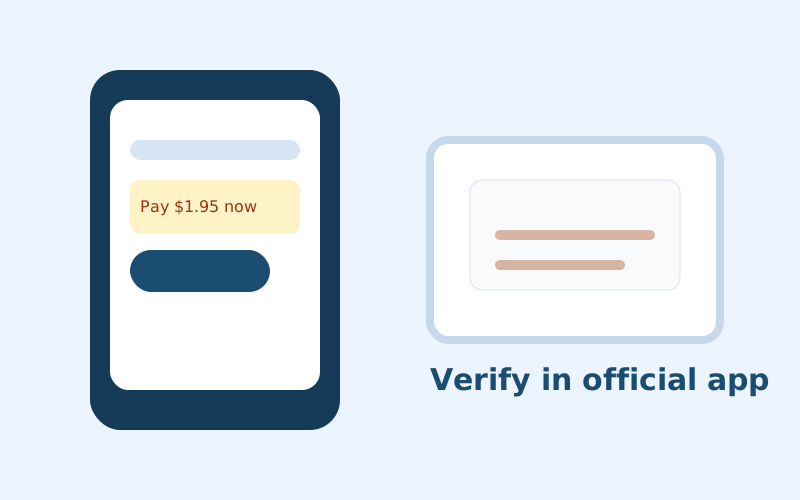
Use the response checklists to decide what matters most and what to do first.
Go to What To Do Now
Reduce unsafe defaults in auth, logs, file uploads, and automation workflows.
Go to Builder GuidanceHidden destinations that look harmless until after scan.
Lookalike domains that steal credentials and MFA codes.
Urgent package messages that request tiny “fees.”
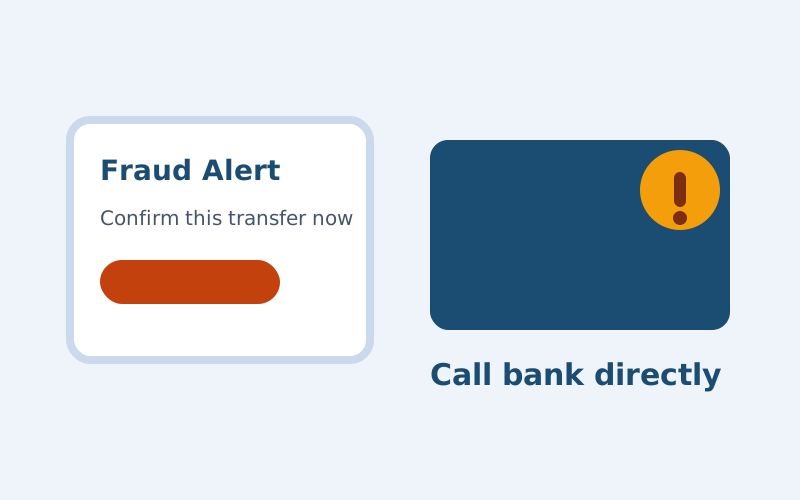
Impersonation messages that create panic and rushed approvals.
Synthetic voices asking for immediate transfers.
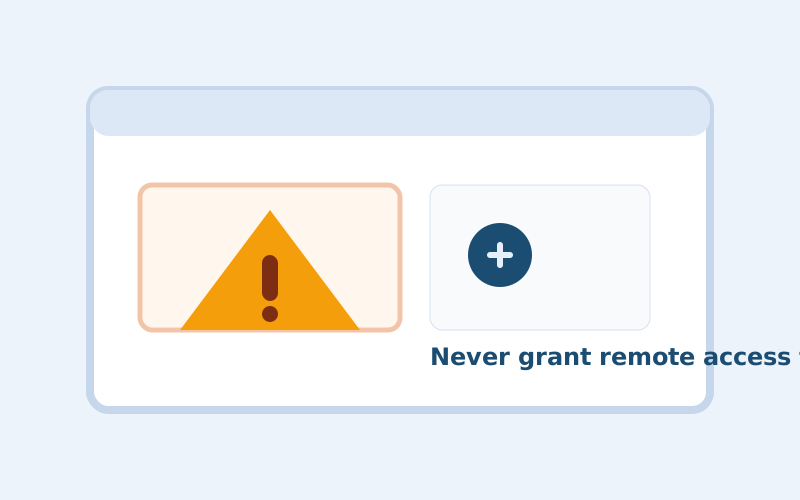
Scare screens and fake technicians requesting remote access.
Developer / AI Track
Security failures in modern products are often unsafe defaults, not advanced exploits. Start with auth checks, secret hygiene, bounded agent permissions, and explicit approval flows for risky actions.
Plaintext Security exists to make security advice practical and understandable. No fear tactics, no blame, and no enterprise buzzwords.
Read about the project